[Mobile Payments] Specific alert provider for built-in reader connections #8299
Conversation


Built-in and Bluetooth connection flows are similar (technically) but different in the eyes of users. We will need to show different alerts even though we are doing similar work in the connection code.

This adds various AlertsProviding protocols and two concrete providers, for the bluetooth and built in flows. Both implementations show the same alerts in this commit, but they will be specialised in upcoming commits.

When we refactor the connection controllers, the shared code can use a `CardReaderConnectionAlertsProviding` for the common alerts, without knowing which flow it is serving.
 joshheald
added
the
feature: mobile payments
joshheald
added
the
feature: mobile payments

You can test the changes from this Pull Request by:
|
joshheald
force-pushed
the
issue/8082-add-specific-alertprovider-for-built-in-reader-connections
branch
from
daeafb5 to
cf3dbf0
Compare
joshheald
changed the base branch from
trunk
to
issue/8082-simplify-BuiltInCardReaderConnectionController
joshheald
changed the title
joshheald
force-pushed
the
issue/8082-add-specific-alertprovider-for-built-in-reader-connections
branch
from
cf3dbf0 to
dce1972
Compare


|
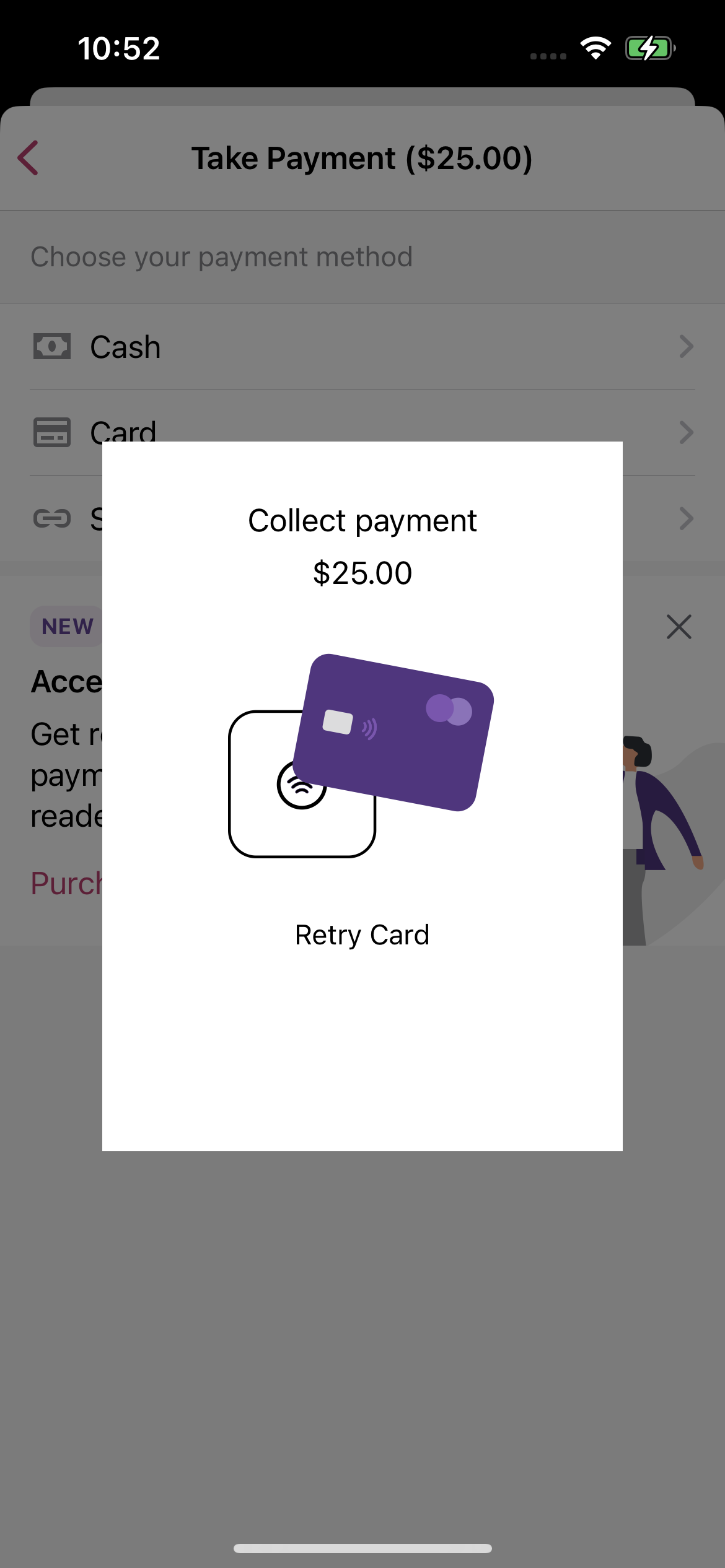
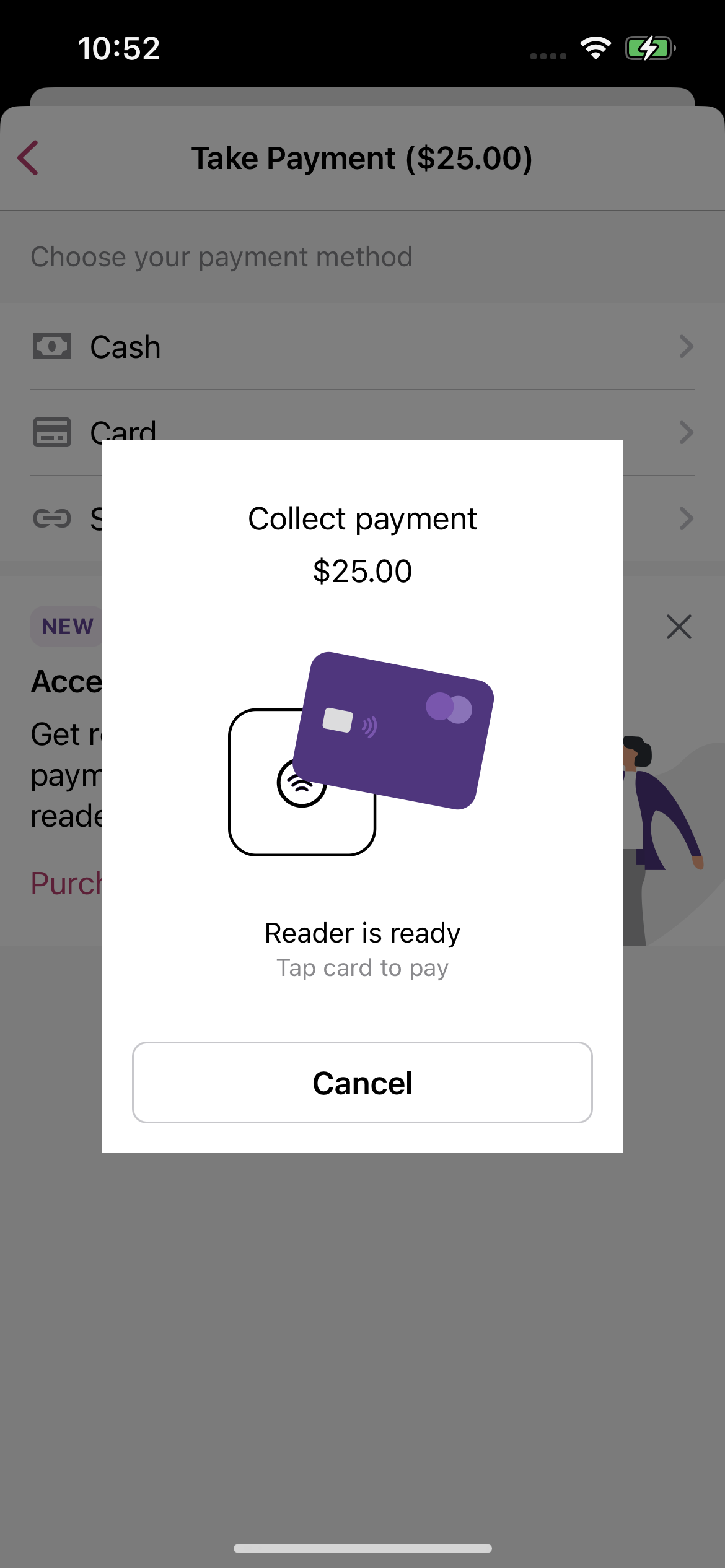
The code looks good and it tests well, thanks for the PR @joshheald! I observed one behavior when tapping to pay with my iPhone, it is not strictly related to this PR but It's worth mentioning. After paying with the card successfully and the native iOS modal is dismissed, we still show briefly the previous message that advises the user to present the card or retry, which is confusing to the user.
If we pay successfully after one try, we show briefly the previous message:
|

|
|
||
| /// Modal presented when we are connecting to a reader | ||
| /// | ||
| final class CardPresentModalBuiltInConnectingToReader: CardPresentPaymentsModalViewModel { |

There was a problem hiding this comment.
A non-blocker suggestion here, I would make these namings easier to understand, perhaps CardPresentBuiltInConnectingToReaderModalViewModel and CardPresentBuiltInReaderCheckingDeviceSupportModalViewModel? I see they are long, so I leave it to your discernment.
There was a problem hiding this comment.
Makes sense. I'll put a note on the issue to update these when we have finalised strings and images for the screens: there's not really a lot of clarity over what the SDK is actually doing at each point, so naming them based on the message is probably the clearest approach.
| continueSearch: @escaping () -> Void, | ||
| cancelSearch: @escaping () -> Void) -> CardPresentPaymentsModalViewModel | ||
|
|
||
| // TODO: implement this approach, allowing us to remove the several readers logic from CardPresentPaymentAlertsPresenter |
There was a problem hiding this comment.
Yeah, it's deliberate, I'll be bringing it back in soon.

|
Thanks for the review @toupper
Yes, this is known... it's covered by #8289: I've not got to the payment flows yet, and this is an existing issue that is a lot more obvious when the phone is the reader 😊 |
joshheald
deleted the
issue/8082-add-specific-alertprovider-for-built-in-reader-connections
branch


Part of: #8082
Description
In sTAP Away, we're adding support for Apple's built in card readers to take in-person payments. We continue to use Stripe's SDK to handle payments.
Stripe's connection flow is technically very similar to the bluetooth reader flow, but conceptually, there are differences and it's important that we make it clear to users that they are using the built in reader, and don't give the wrong impression that they are connecting to a bluetooth reader, to avoid confusion.
This PR adds an alert provider specialised for connection to a built-in reader, along with new alert view models and temporary text and images for the scanning and connecting stages of the connecting flow.
It does not handle error states, or "software updates" – these will be done in a future PR.
There are also new protocols, splitting up the alerts so that when we refactor the two connection controllers to share duplicated code, they can work with the alert providers as opaque types.
Testing instructions
Using an iPhone (XS or above on iOS 15.4 or newer, with a passcode set and signed in to iCloud)
Menu > Settings > Experimental featuresTap to Pay on iPhoneMenu > Payments > Collect paymentCardon the payment method screenTap to Pay on iPhoneand go through the Terms of Service Apple ID linking (if you've not done so before)Screenshots
specific-ttpoi-alerts.mp4
RELEASE-NOTES.txtif necessary.